Erlacher Höhe
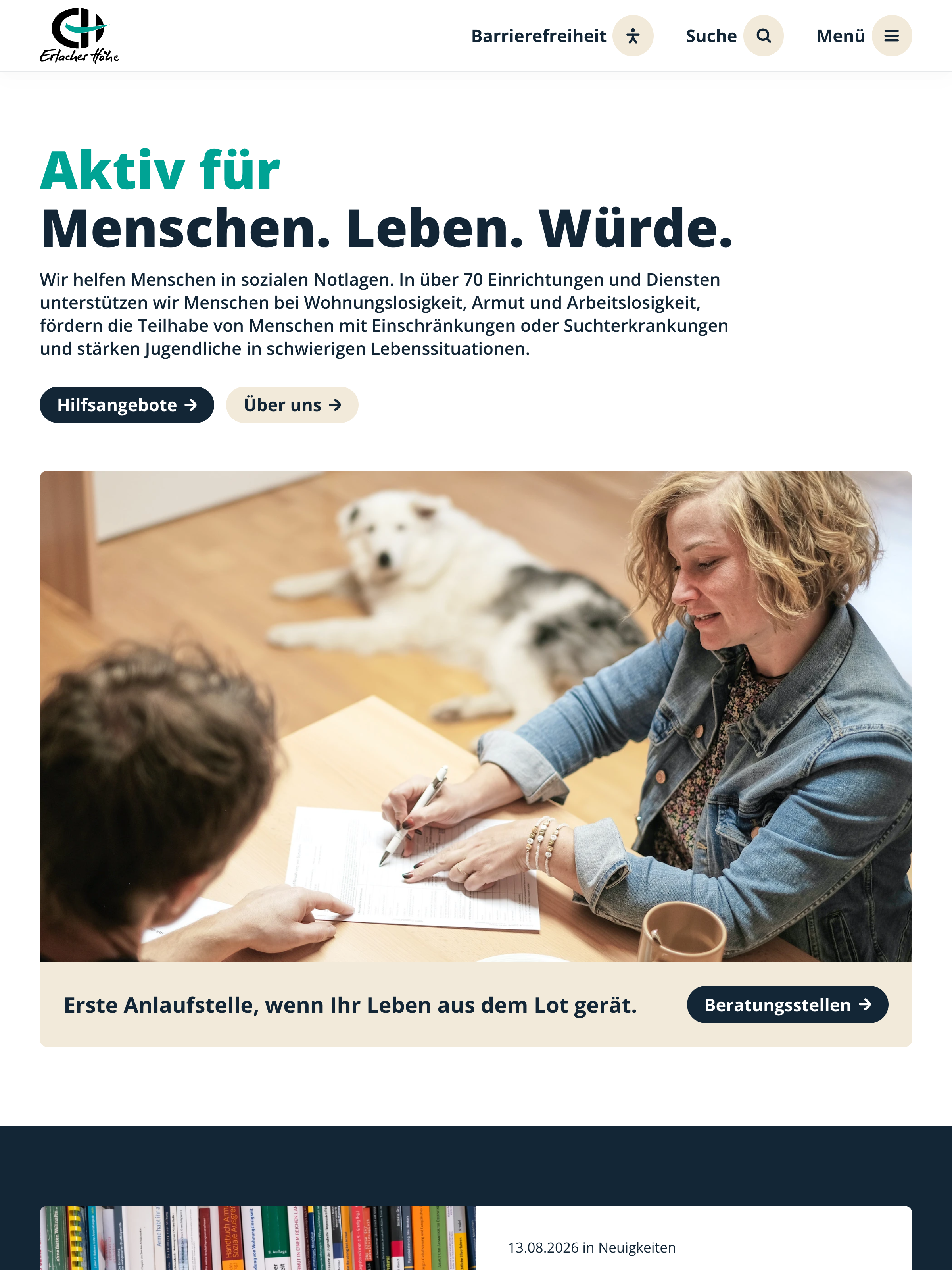
/panel
-
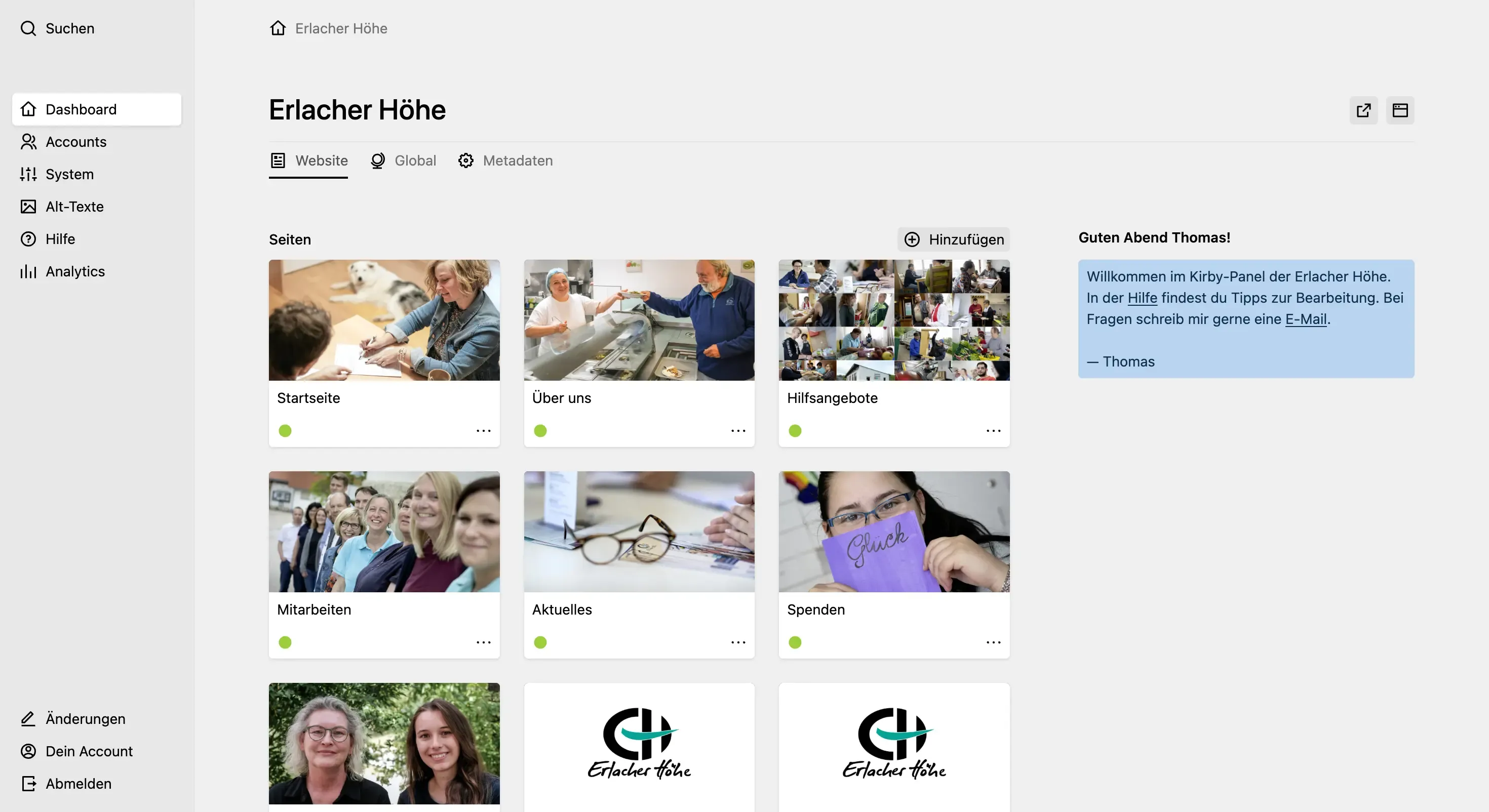
Panel users get welcomed with an info field that provides contact information. With a custom user method the user's first name is extracted and a time-based greeting is displayed.
-
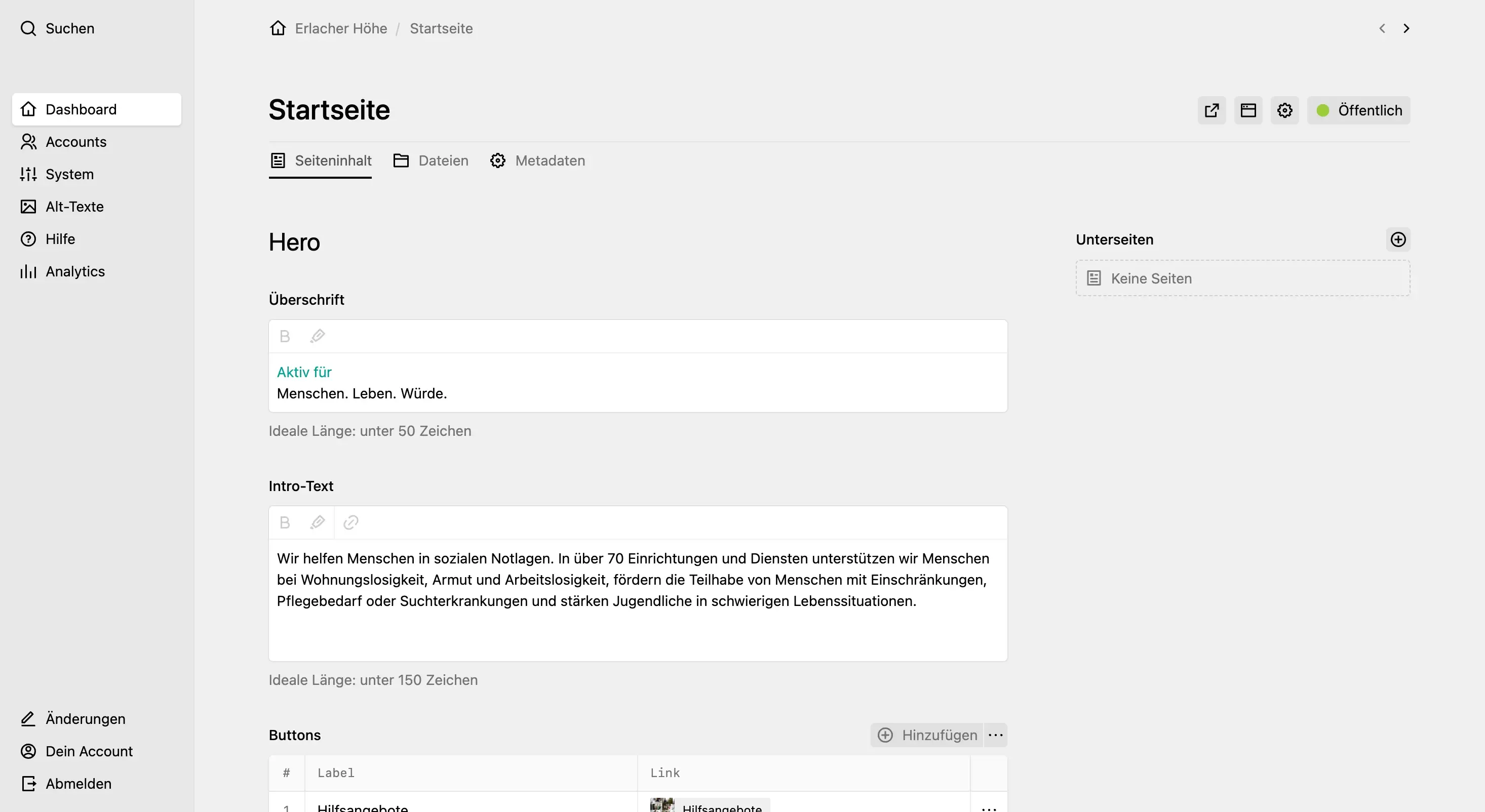
Overwriting the
emstyle using a custom Panel CSS file to match the frontend where the "emphasis" element is displayed in the brand colour. -
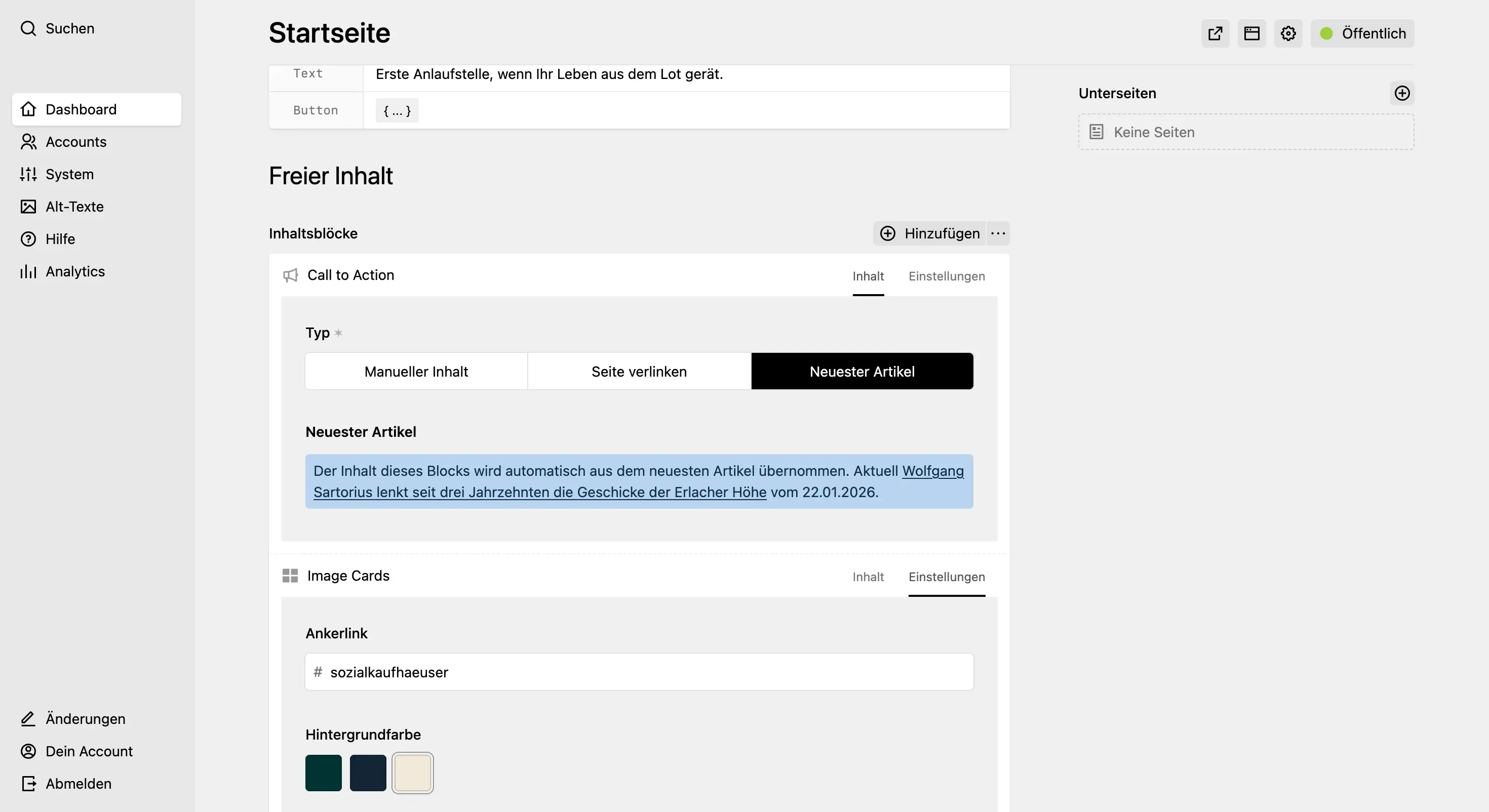
Pages use the blocks field with many different custom blocks using
preview: fields, so users can create flexible layouts. Most blocks have different variants like background colours or image positions to choose from in a separate "settings" tab. -
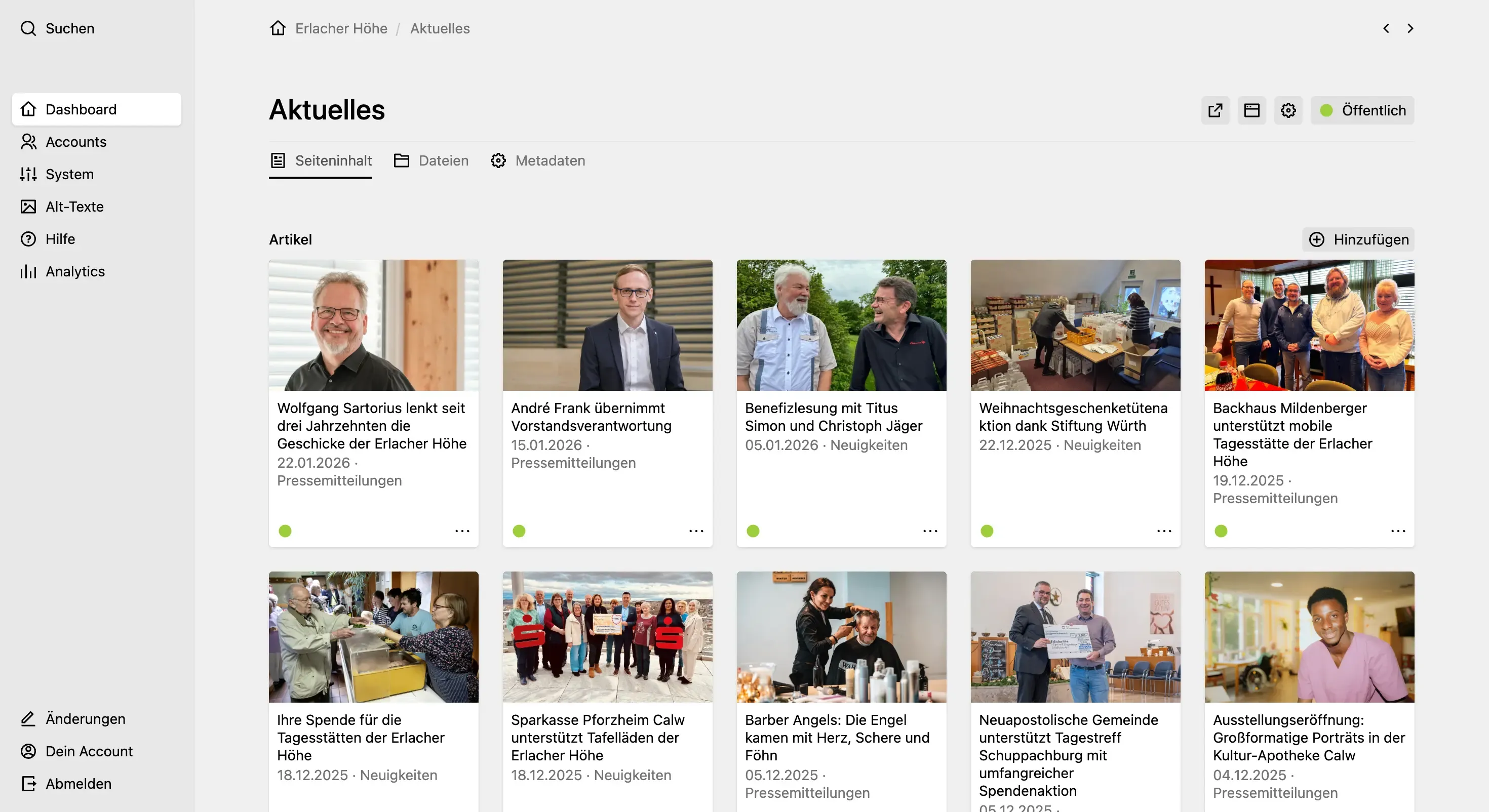
By setting the navigation option in the blueprint, it's possible to navigate between different blueprints/templates (like this special articles page) using the arrow buttons in the top right corner.
-
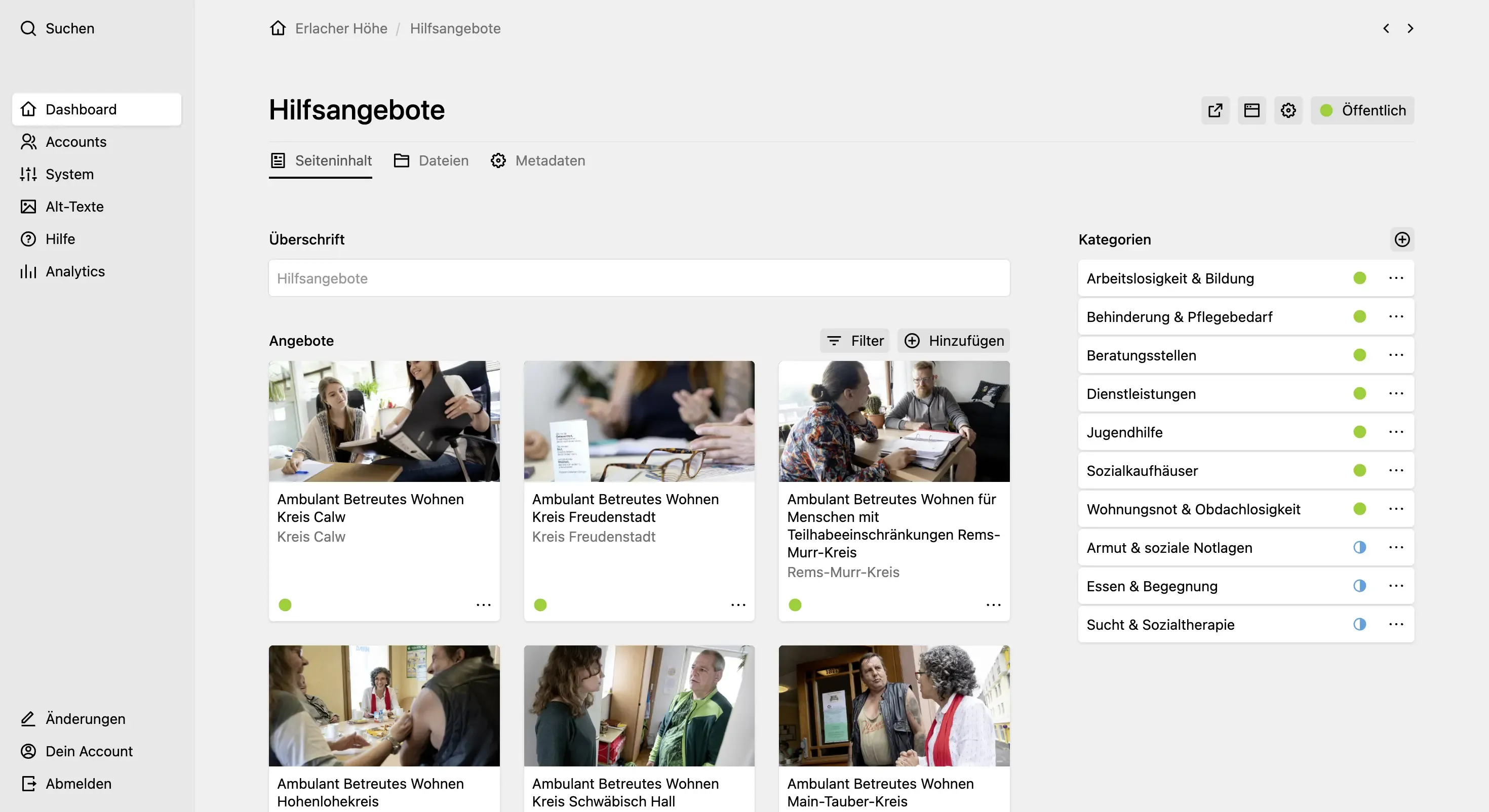
Using pages for things like categories is always a good choice as you get UUIDs, slugs, status and multilingual support among other things. By setting
image: falsein the blueprint, you can visually differentiate them from regular pages. -
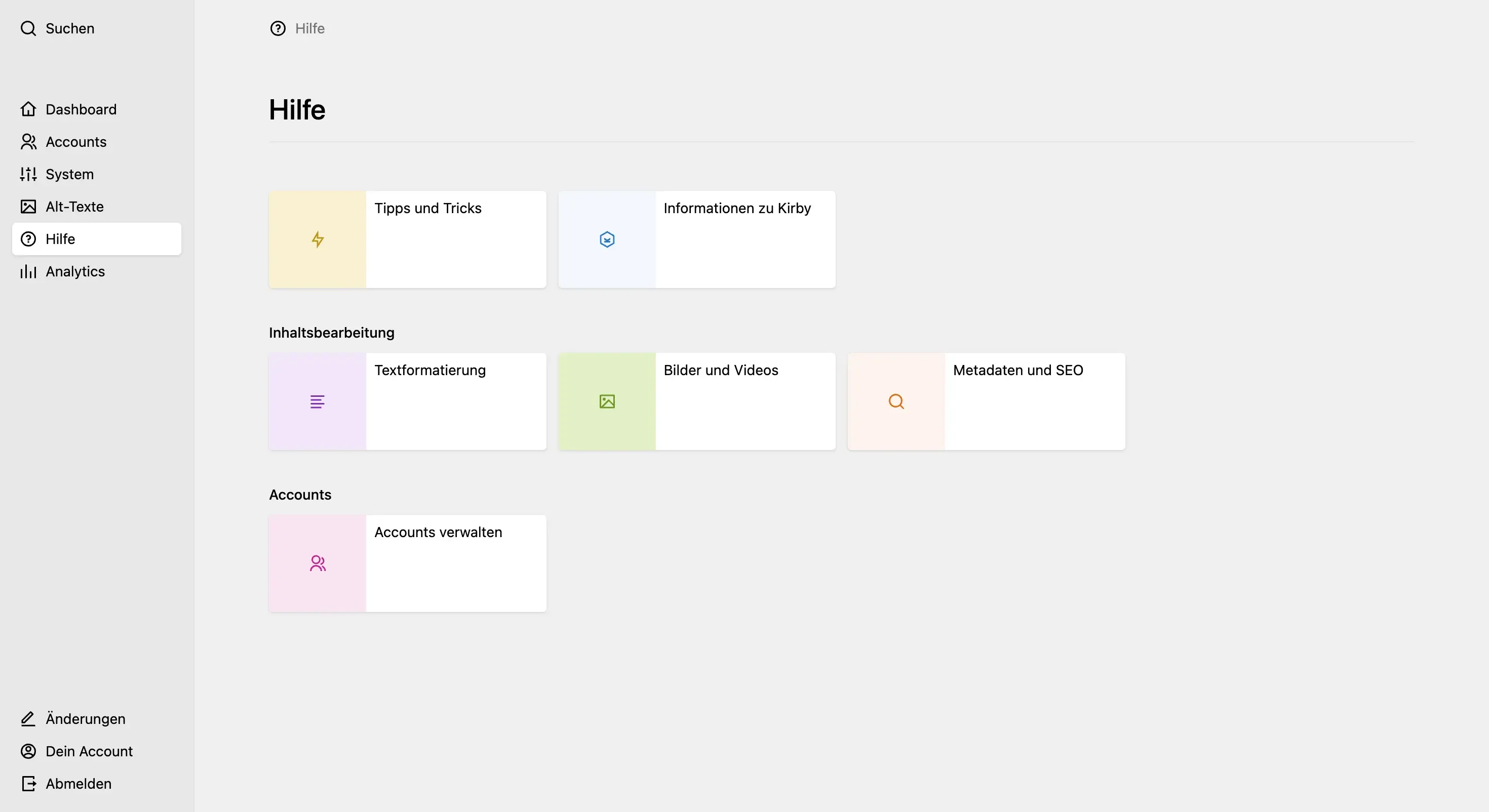
Using the Help View plugin, editors can get quick access to helpful articles right within the Panel.