J-Navi

/panel
-
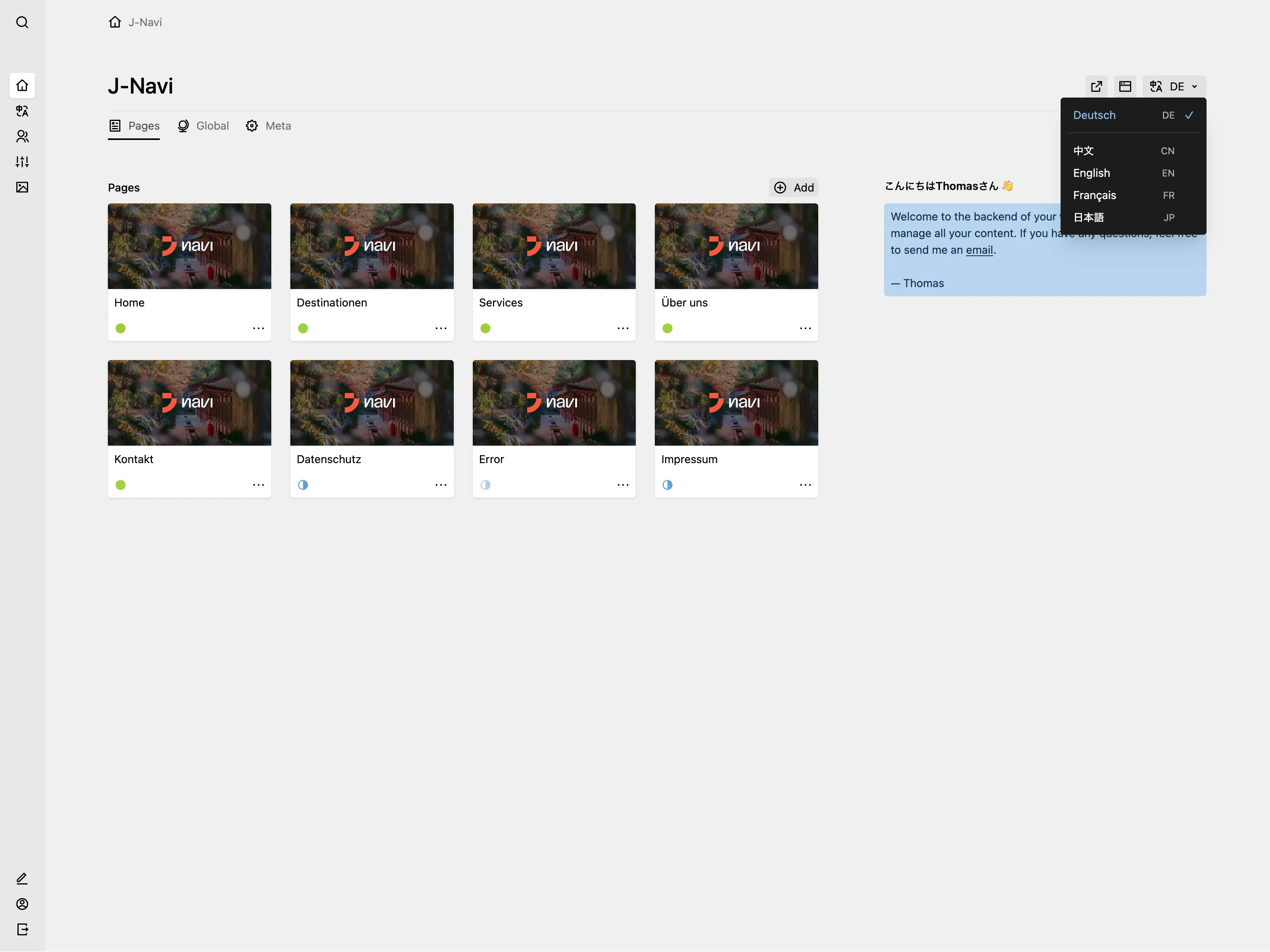
The pages section in the dashboard directly shows the OG images of the pages. Each user gets greeted with a personalized message using a custom user method.
-
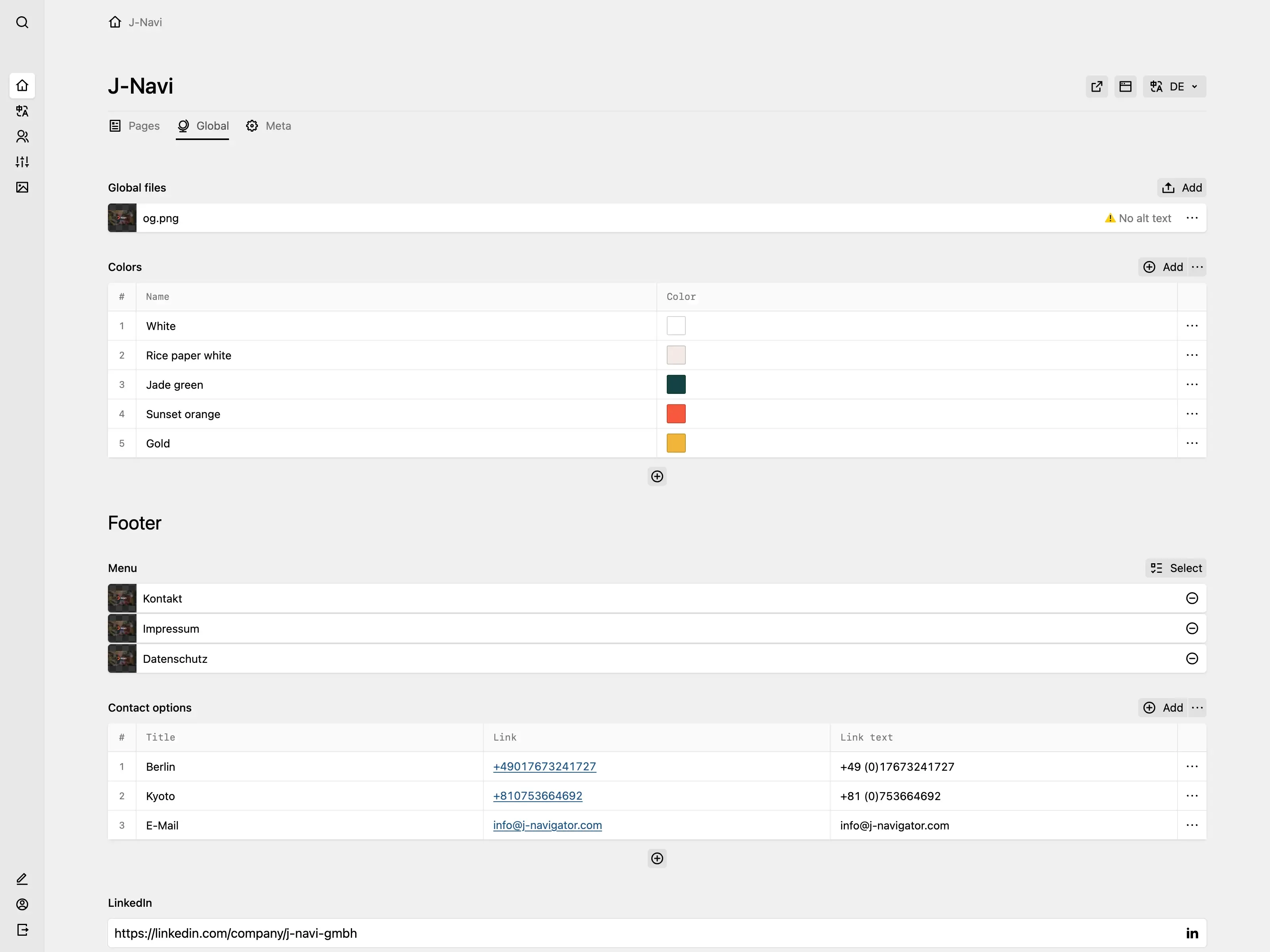
The global tab allows editors to manage site-wide content like the available colours for blocks, the footer menu, contact options and social media links.
-
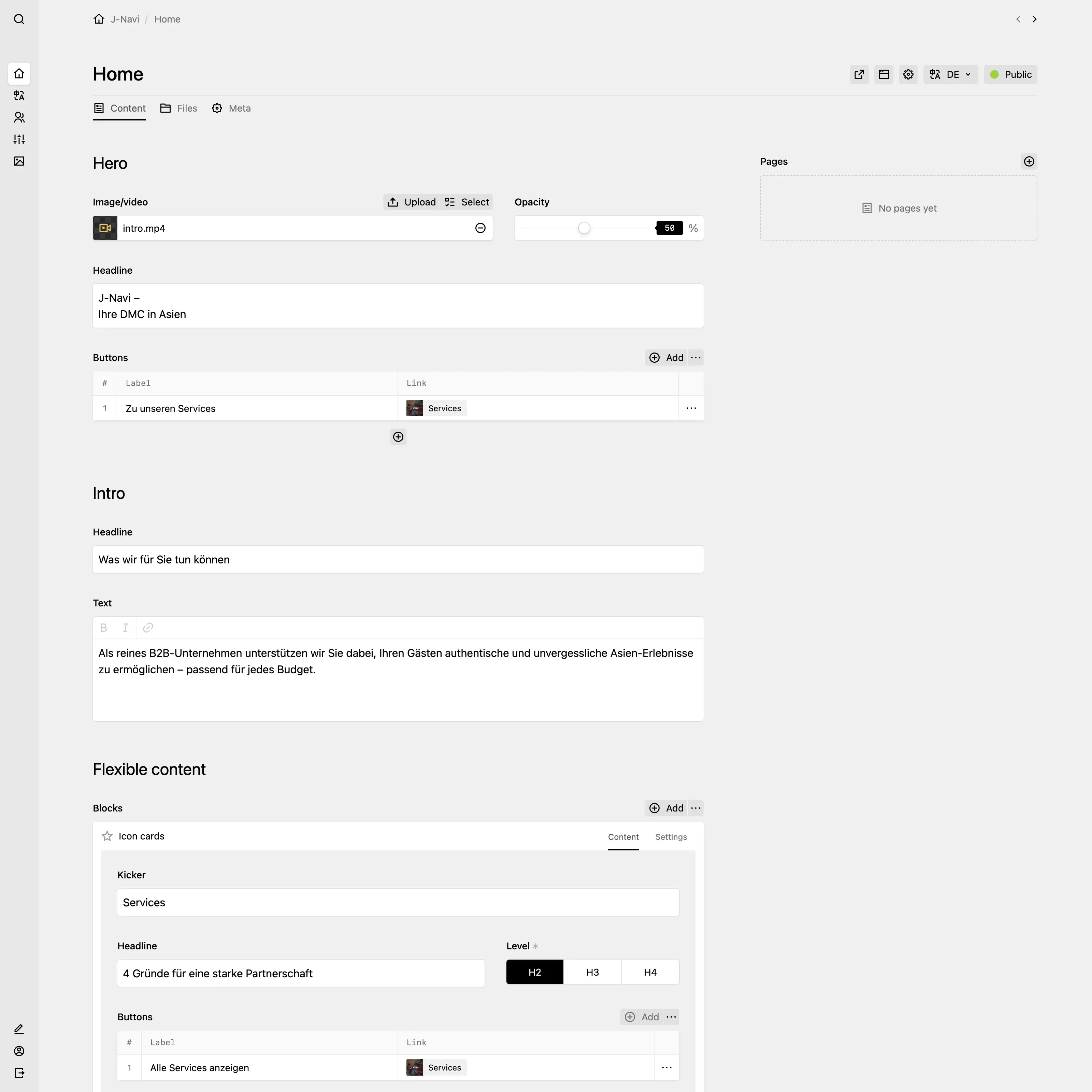
On the home page, editors can edit the hero, the intro, and a flexible blocks field. The sections are divided by headline fields for better clarity.
-
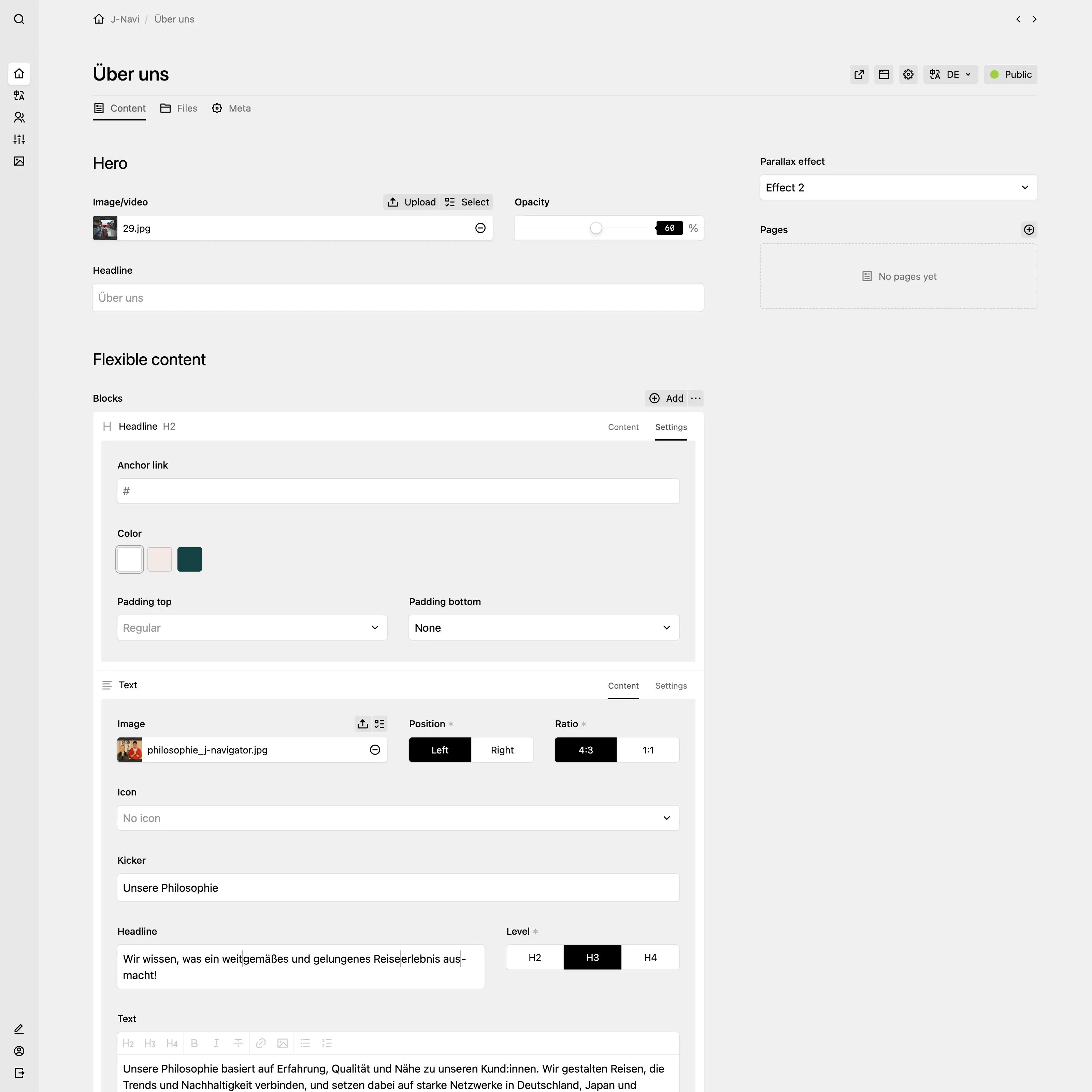
Similar to the home page, all the other pages have a hero and a flexible blocks field. Each block has a "content" and "settings" tab. In the settings tab, editors can enter a custom anchor link, choose from different background colours and padding sizes. Field-specific settings, like the image position or heading level, are available in the content tab as toggles fields.