Nu Xform
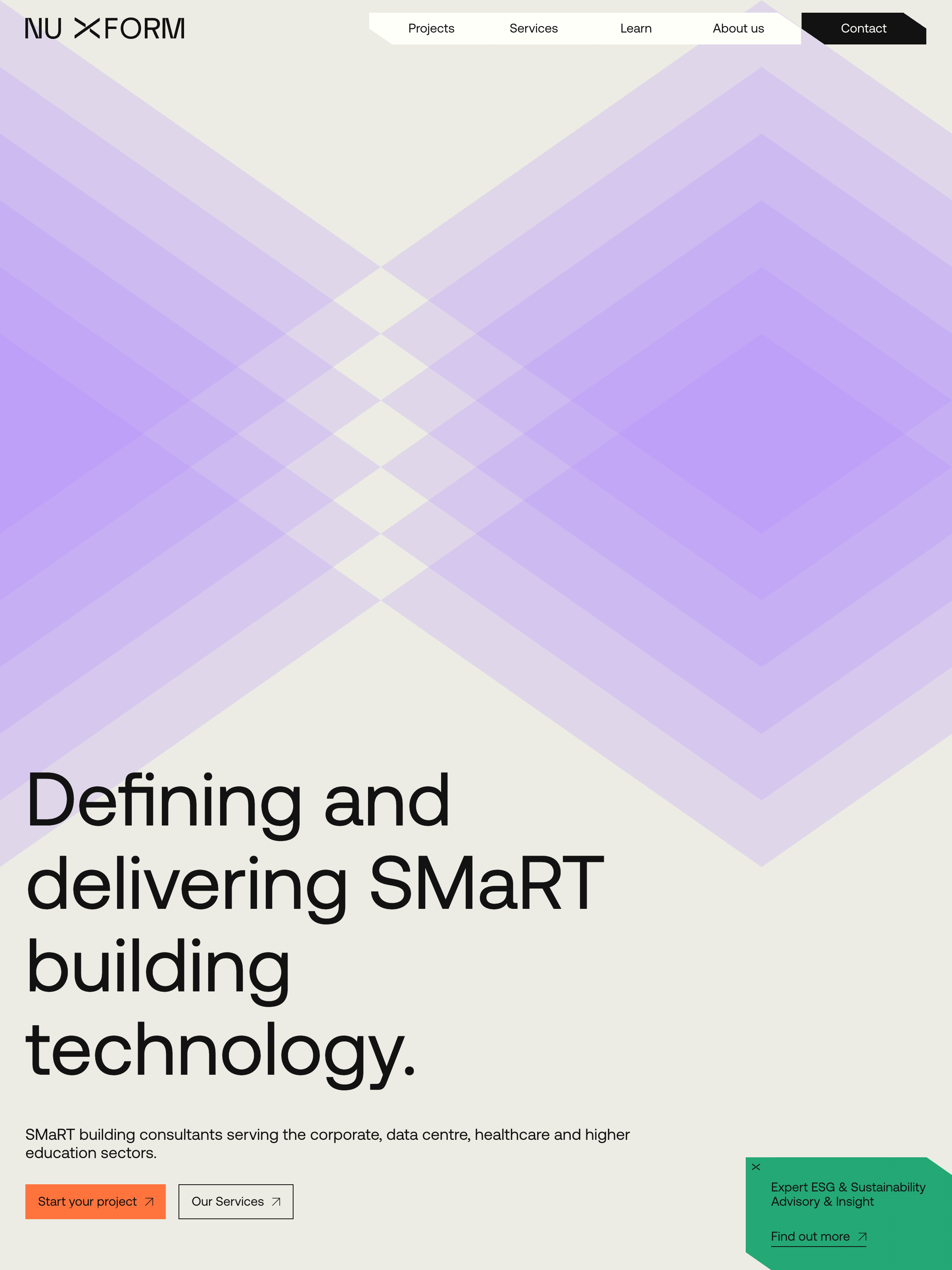
/panel
-
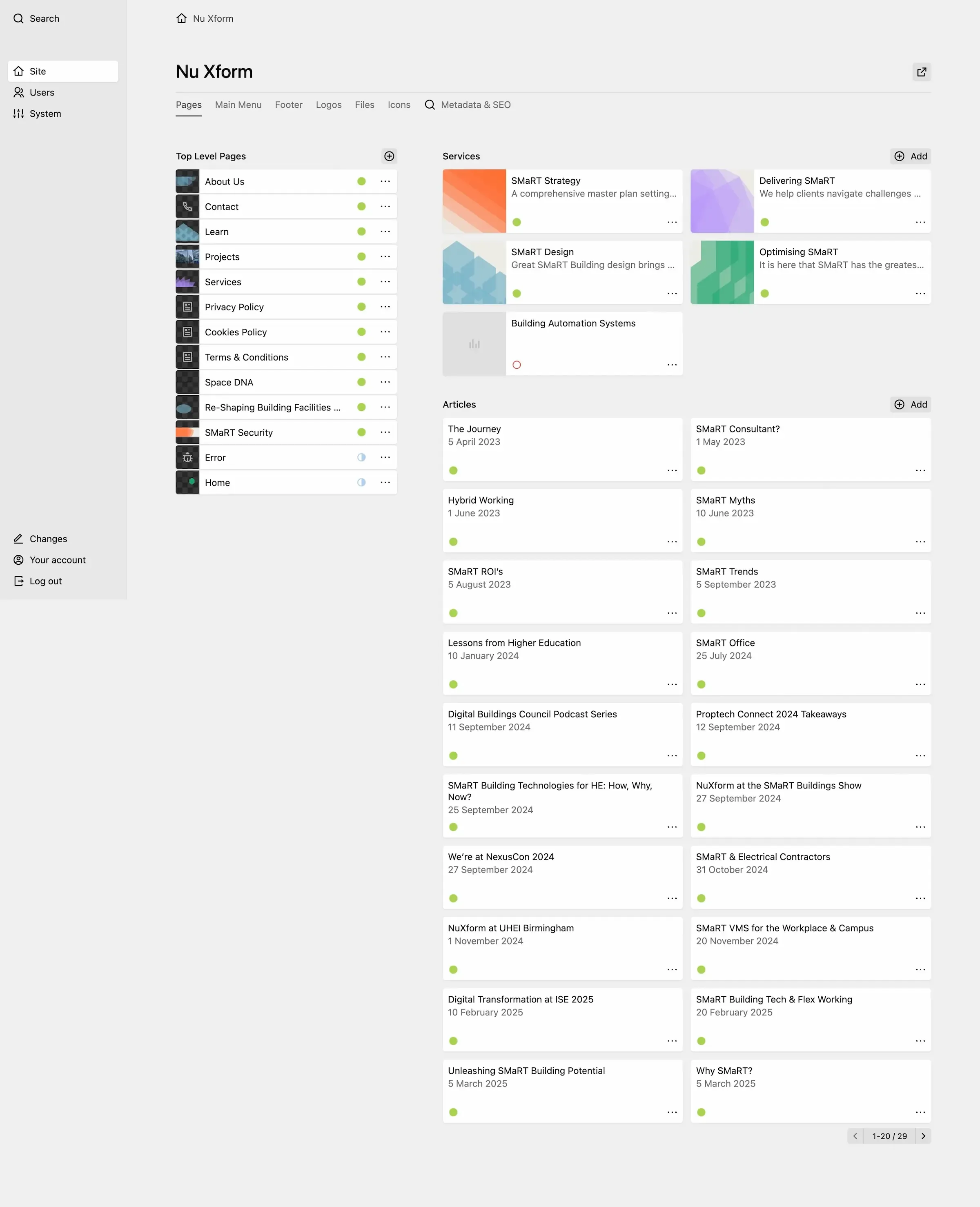
The "Pages" tab offers shortcuts to all the main pages and articles you may want to edit, making use of the
cardletslayout of the pages section. -
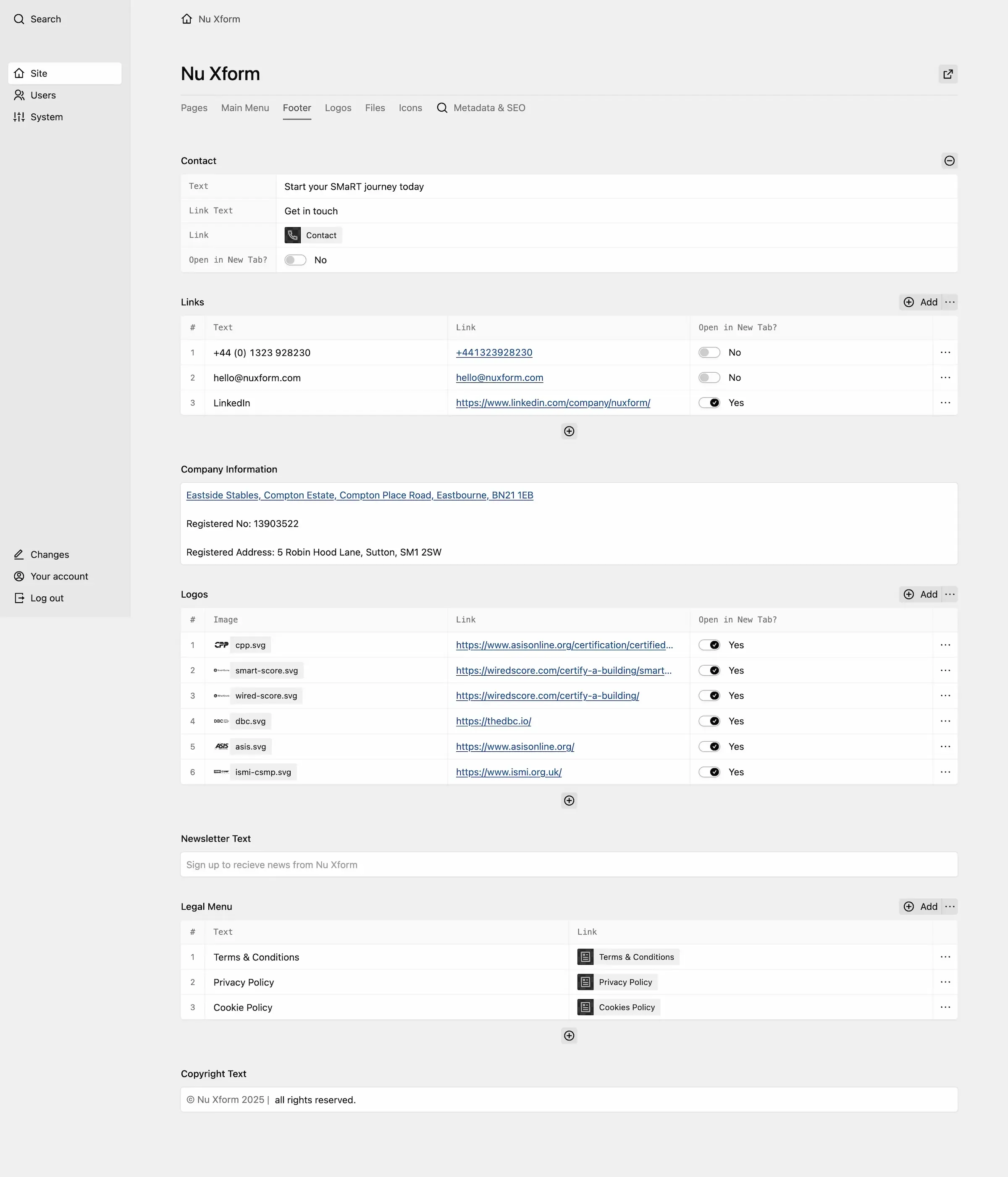
The "Footer" tab controls all the settings for the site-wide footer. Object and Structure fields are used to give editors full control over granular settings, like whether to open a link in a new tab.
-
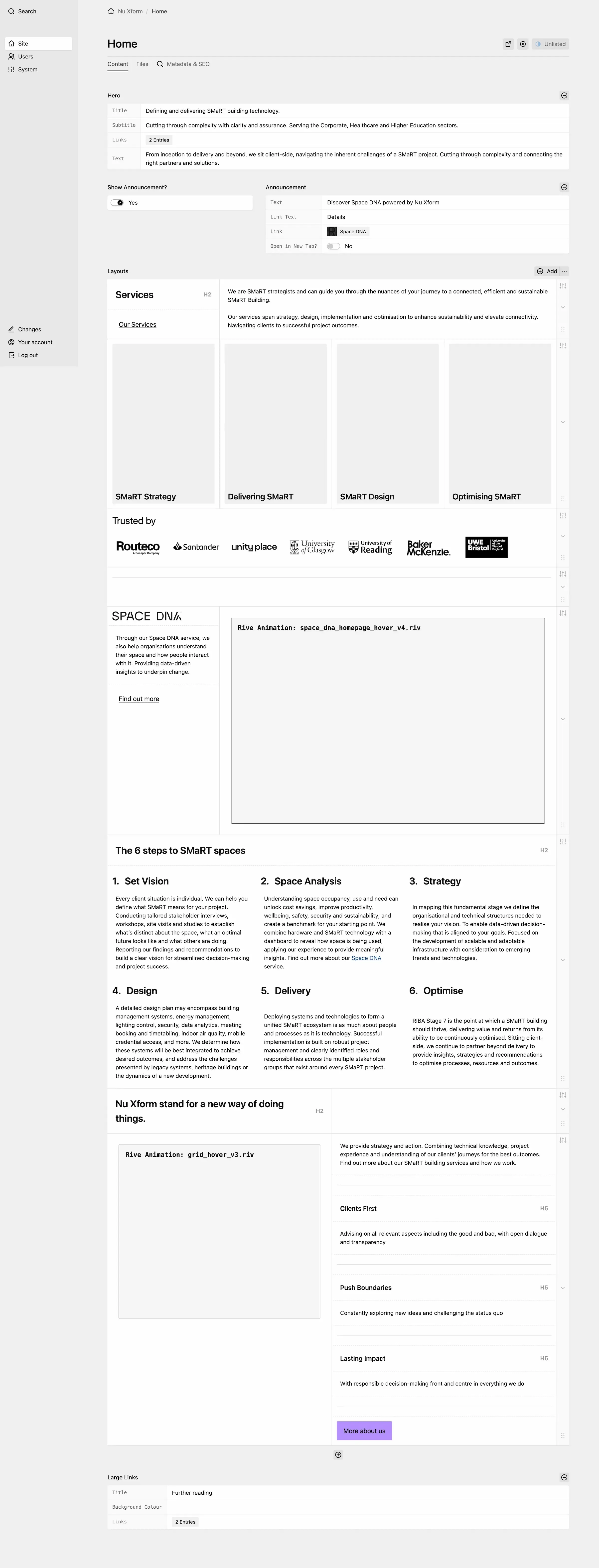
This screen is dominated by the layout field where flexible content can be added and arranged. Custom blocks were created to handle a logo carousel and adding Rive animations.
-
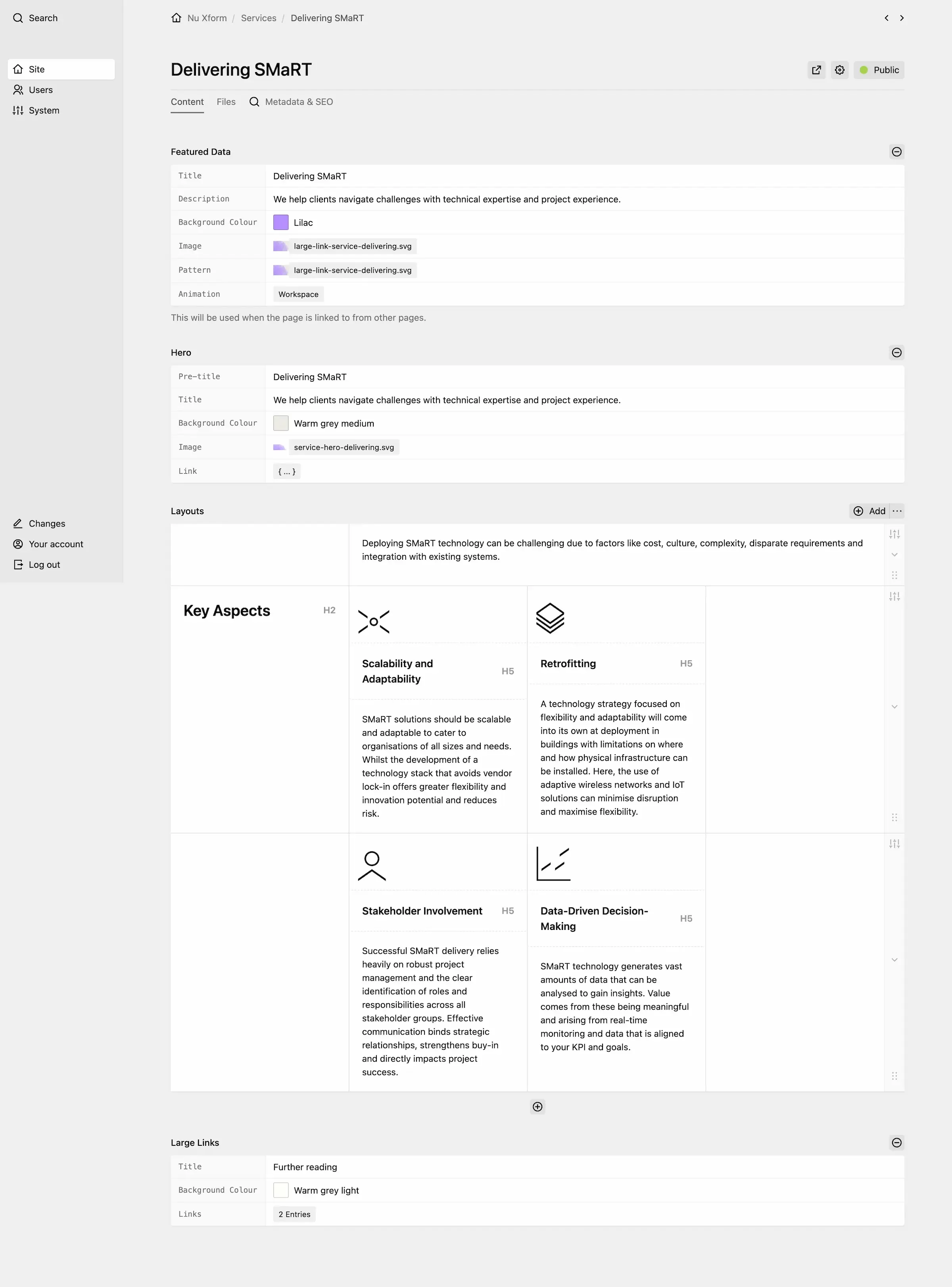
A combination of fixed settings for things like highlight color and data for the hero as well as a flexible layout field where any type of content can be added.
-
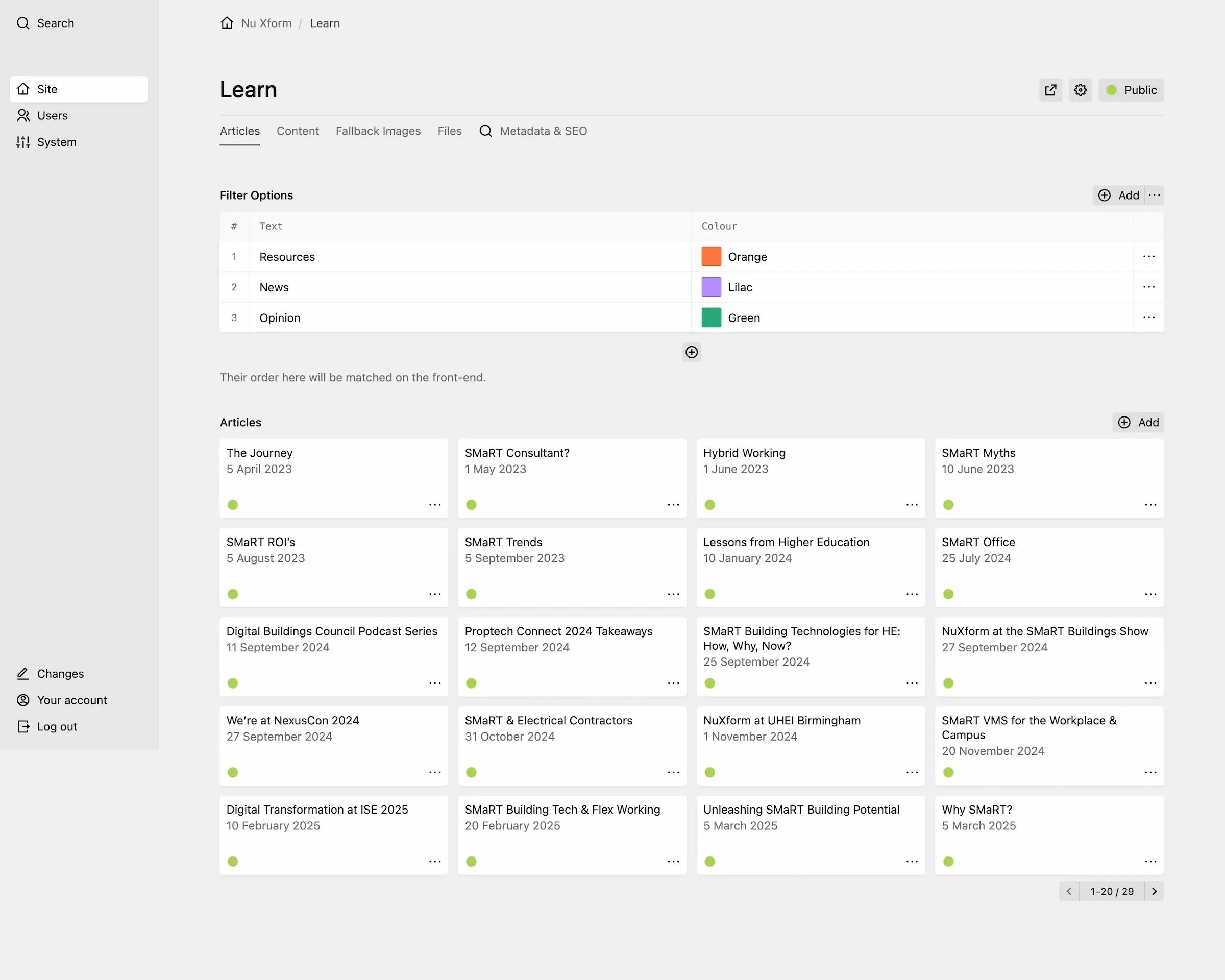
Filters are controlled here as well as articles.
-
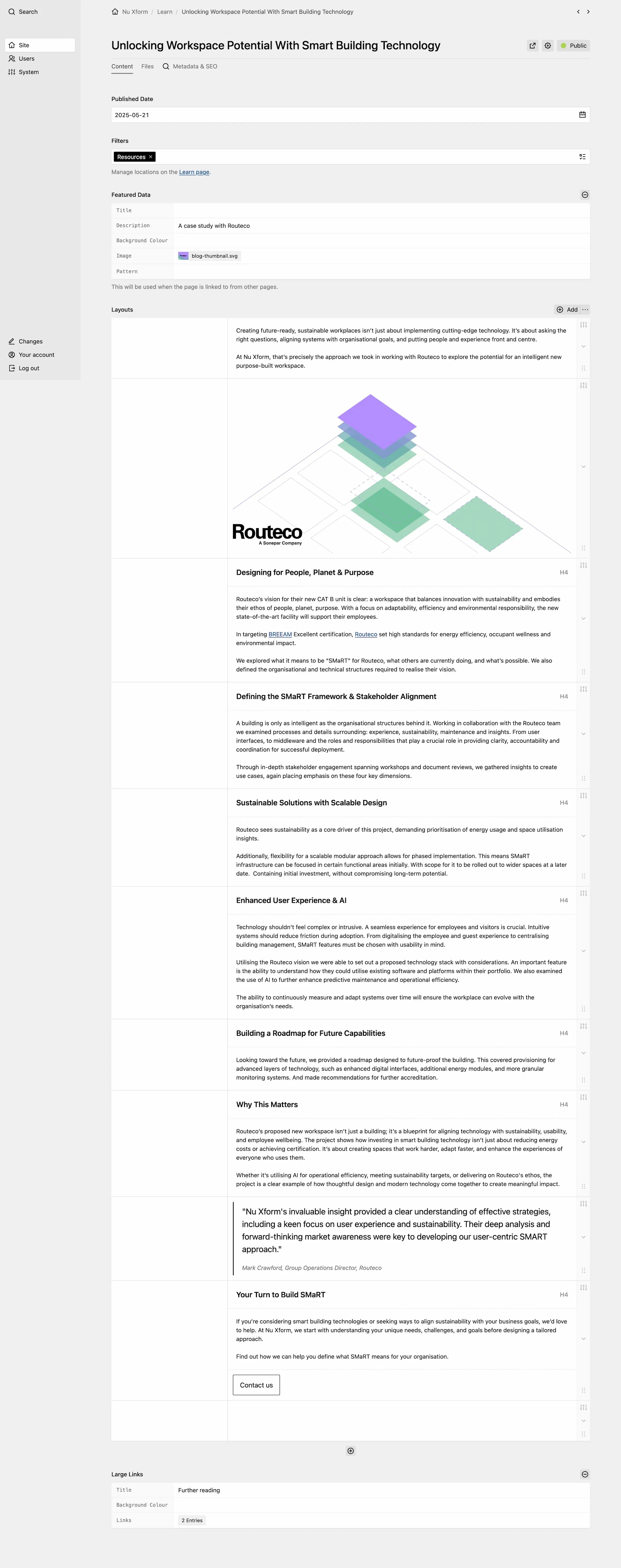
Another example of some fixed settings, like published date and filters/tags, alongside a flexible layout field.